Continuous Data Protection
Continuous Data Protection
FAQs for version series 6 and below| If your question is not addressed below, please contact us through our support form and we'll get back to you shortly. |
What is Continuous Data Protection (CDP)?The Continuous Data Protection (CDP) feature automatically recognizes the changes made to the files in the backup set and starts the backup operation in near real-time.The temporary files, system files, network / mapped / external drives are excluded from the operation. CDP is not a replacement for the traditional schedule backup feature but works along with scheduled backup to provide timely protection to your data. |
Can I set the frequency of backups under Continuous Data Protection feature?Yes, if you wish to customize the frequency of backups, go to ‘Continuous Data Protection’ under 'General' on the ‘Settings’ screen. Set any duration as preferred (Real-time, 10 minutes, 30 minutes, or 60 minutes). |
For Windows: 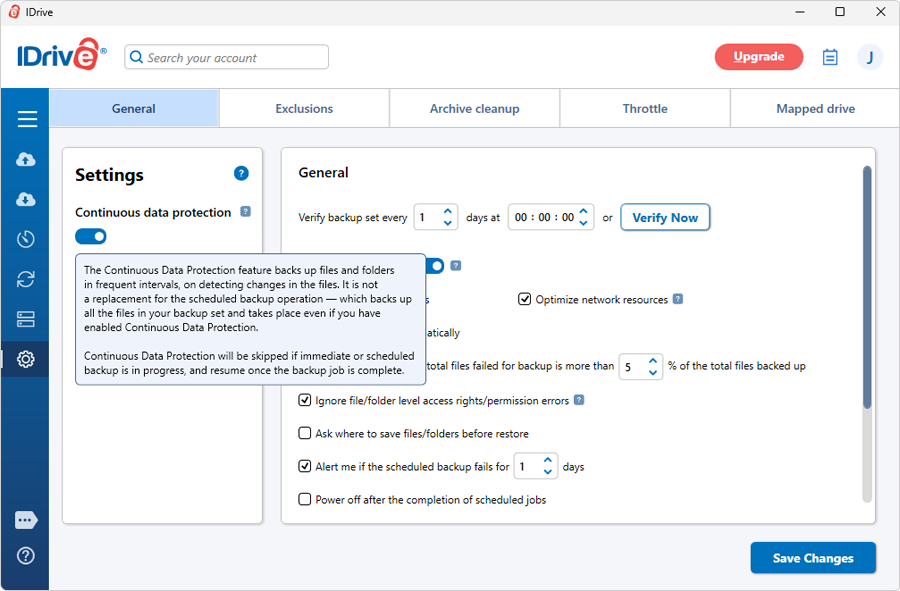 For Mac: 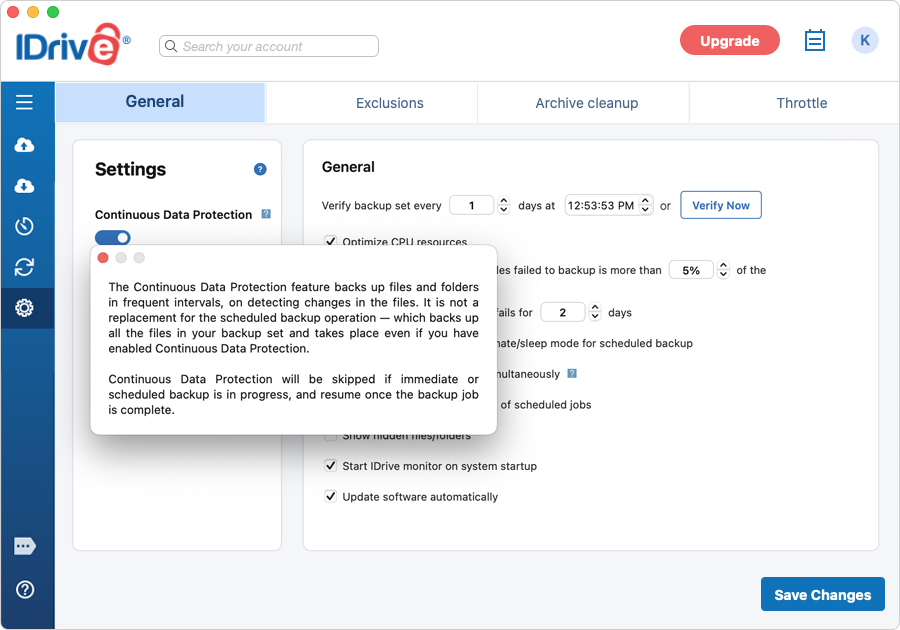 |
What are the advantages of Continuous Data Protection?Continuous Data Protection has the following advantages :
|
Does Continuous Data Protection work if an immediate or scheduled backup job is running?If an immediate backup is initiated or scheduled backup job is running, Continuous Data Protection (CDP) will be skipped. Once the ongoing backup job is complete, CDP will resume in near real-time (if set) for changes made to the files in your backup set. Note: CDP is not a replacement for the scheduled backup operation. Scheduled backups protect all the files in your backup set and take place even if you have enabled Continuous Data Protection. |